
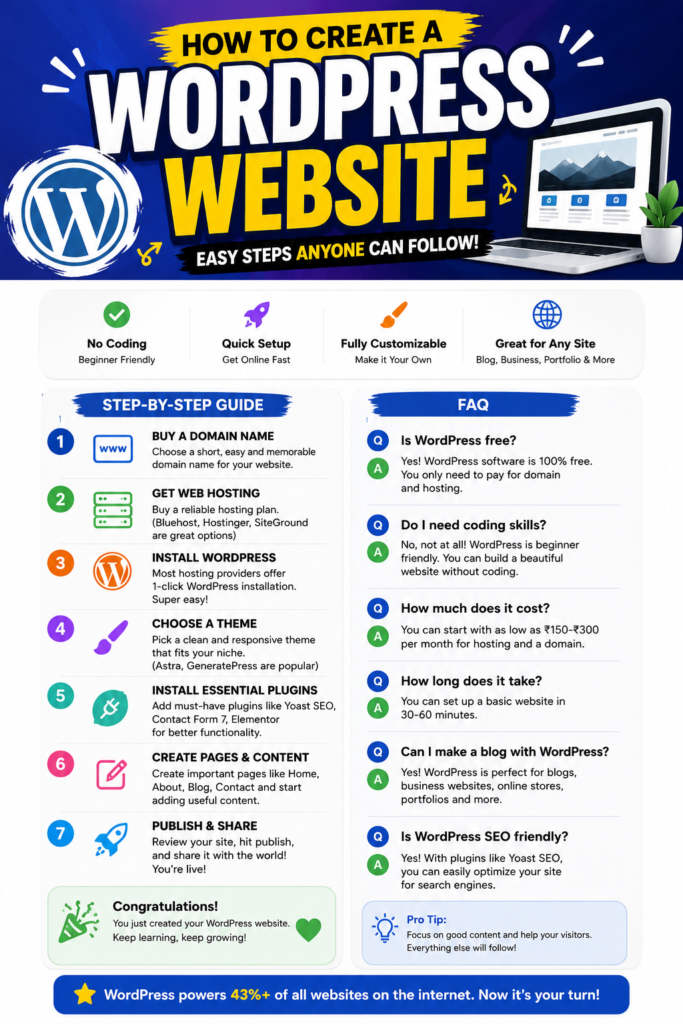
🌟 Why Choose WordPress?
✅ No coding skills needed
✅ Beginner-friendly
✅ Thousands of free themes & plugins
✅ SEO-friendly
✅ Mobile responsive
✅ Powers over 40% of websites worldwide
📌 Step 1: Buy a Domain Name
Your domain name is your website’s address (like www.yourwebsite.com).
Tips for choosing a domain:
Keep it short and memorable
Avoid numbers and hyphens
Use keywords if possible
Choose a .com extension if available
📌 Step 2: Buy Web Hosting
Hosting is where your website files are stored.
Popular hosting providers include:
Bluehost
Hostinger
SiteGround
Namecheap
Cloudways
Choose a hosting plan that includes:
Free SSL
One-click WordPress installation
Good customer support
📌 Step 3: Install WordPress
Most hosting providers offer One-Click WordPress Installation.
Simply:
Log in to your hosting account.
Click Install WordPress.
Choose your domain.
Create your admin username and password.
That’s it!
📌 Step 4: Choose a WordPress Theme
A theme controls how your website looks.
Popular free themes:
Astra
GeneratePress
Kadence
Blocksy
OceanWP
Install your favorite theme and customize it according to your brand.
📌 Step 5: Install Essential Plugins
Plugins add extra features to your website.
Recommended plugins:
Yoast SEO
Elementor
WPForms
LiteSpeed Cache
UpdraftPlus
Wordfence Security
Install only the plugins you really need.
📌 Step 6: Create Important Pages
Every website should have these pages:
Home
About Us
Contact
Services
Blog
Privacy Policy
Add useful content and make your pages easy to read.
📌 Step 7: Customize Your Website
Now make your website unique.
You can:
Upload your logo
Change colors
Add menus
Create navigation
Add social media links
Customize fonts
📌 Step 8: Publish Your Website
Before going live, check:
✅ Mobile-friendly design
✅ Working contact form
✅ Fast loading speed
✅ SSL enabled
✅ SEO basics completed
Click Publish, and your website is live!
🎯 Bonus Tips for Beginners
Use high-quality images.
Keep your design simple.
Write helpful content.
Install an SEO plugin.
Back up your website regularly.
Update WordPress, themes, and plugins.
❓ Frequently Asked Questions (FAQs)
- Is WordPress free?
Yes. WordPress software is free, but you’ll need to pay for a domain name and web hosting.
- Do I need coding knowledge?
No. WordPress is designed for beginners, and most tasks can be done without coding.
- How much does it cost to create a WordPress website?
A basic website can cost around ₹2,000–₹6,000 per year, depending on your hosting and domain choices.
- How long does it take to build a WordPress website?
You can set up a basic website in 30–60 minutes. A fully customized site may take a few days.
- Which is the best WordPress theme for beginners?
Astra, GeneratePress, Kadence, and Blocksy are excellent beginner-friendly themes.
- Which plugins are essential?
The most useful plugins are:
Yoast SEO
Elementor
WPForms
LiteSpeed Cache
UpdraftPlus
Wordfence
- Can I create an online store with WordPress?
Yes. Simply install the WooCommerce plugin to build an eCommerce website.
- Is WordPress SEO-friendly?
Yes. WordPress is one of the best platforms for SEO, especially when combined with plugins like Yoast SEO or Rank Math.
🎉 Final Thoughts
Creating a WordPress website is easier than ever. With the right hosting, a beautiful theme, and a few essential plugins, you can launch a professional website without any coding experience.
Start today, keep learning, and improve your website over time. Every successful website started with the first step!